Censor Part of an Image
Use this free censor tool to cover part of a photo or screenshot with a solid black box. It's the simplest way to hide a name, a face, a password or an account number before you share an image, and it all happens in your browser: your image is never uploaded.
Why a Black Box Is the Safest Way to Censor
Blurring or pixelating text looks like it hides it, but the remaining blocks or smudges still carry some of the original information, and blurred or pixelated text can sometimes be partly recovered. A solid black box replaces those pixels entirely. The image you download has nothing underneath the box: no hidden layer, nothing to undo.
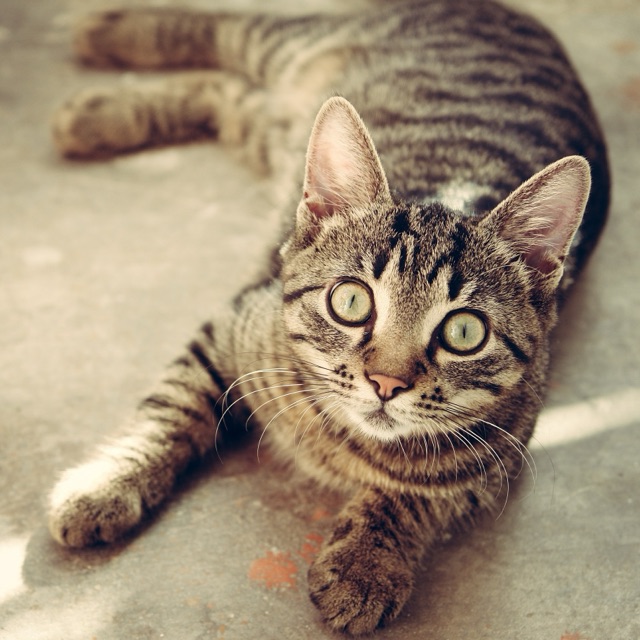
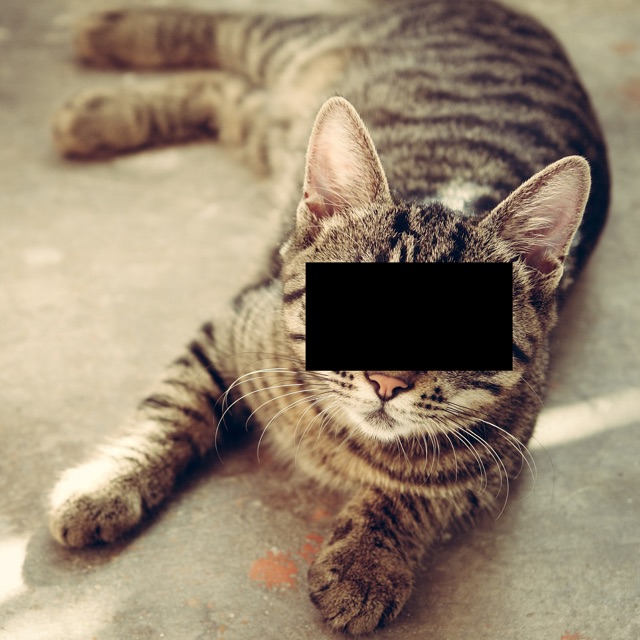
How to Censor an Image
- Scroll up and choose your image, or drag and drop it onto the upload button.
- Drag the box, and its corners, to cover what you want to hide. Leave a little margin around text.
- Click Done, then download your image as a JPG or PNG.
Need to hide more than one thing? Censor one area at a time: after you click Done, choose Censor Another Region on the download page and cover the next one.
What to Censor Before You Share
- Screenshots: email addresses, phone numbers, usernames and notifications.
- Documents and receipts: account and card numbers, addresses and signatures.
- Photos: faces, license plates, house numbers and street signs.
- Passwords and codes: anything on a sticky note or screen in the background.
Prefer Blur or Pixelate?
For faces and backgrounds, a softer effect can look better than a black box. The editor lets you switch to Blur or Pixelate with one click, and both can cover the whole image too. For text, stick with the black box.
Private by Design
Images that need censoring are, by definition, sensitive. This tool never uploads them: everything happens in your browser, and there's no account to create.