Sepia Filter: Make a Photo Sepia Online
This free sepia filter gives any picture the warm brown tone of an old photograph. Choose a photo above and you'll see it in sepia straight away; turn the strength down if you want a softer, vintage tint, then download it as a JPG or PNG. It all happens in your browser, so your photo is never uploaded.
Full Sepia or a Light Tint
The Strength slider goes from your original colors (0%) to full sepia (100%):
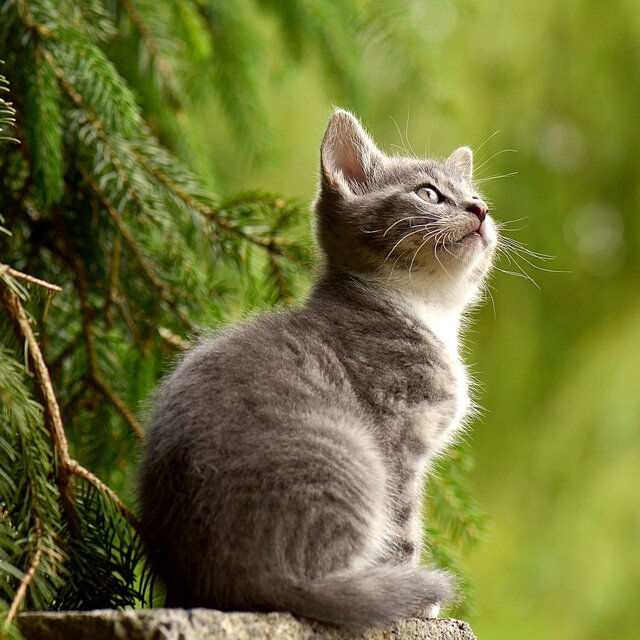
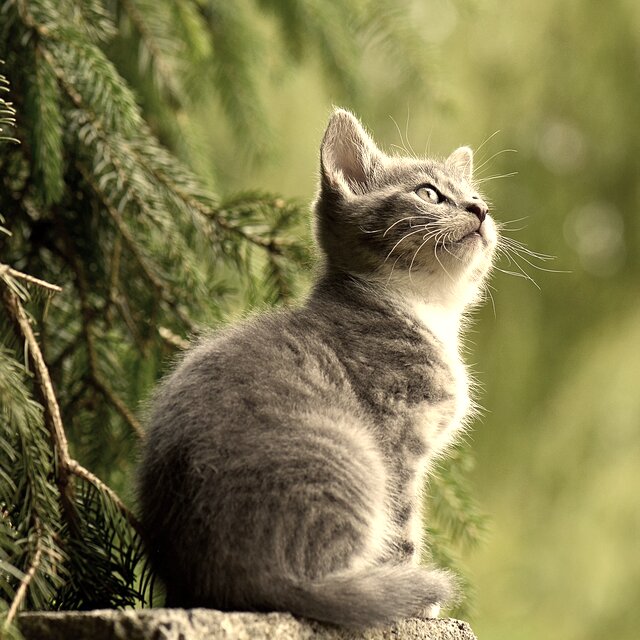
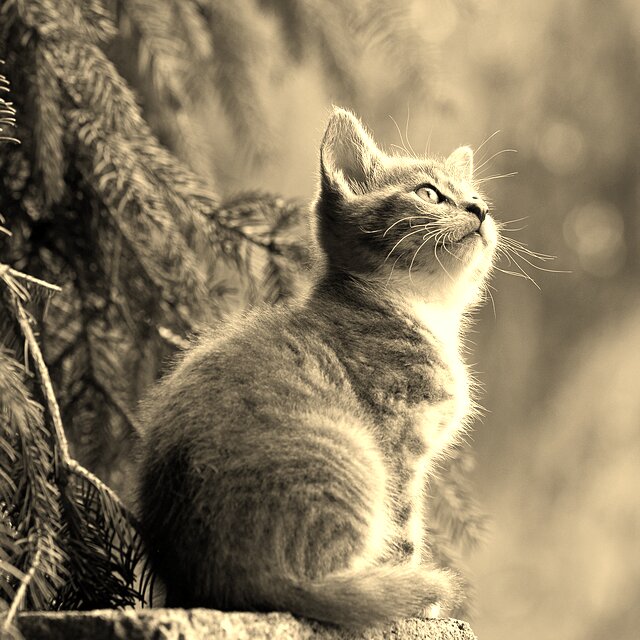
- 100% is classic sepia: every color becomes a shade of brown, from dark chocolate in the shadows to cream in the highlights, like a print from a hundred years ago.
- Somewhere in between keeps a little of the original color under a warm wash. It's a subtle vintage or faded look that works well for portraits, weddings and travel photos.
How to Make a Photo Sepia
- Scroll up and choose your photo, or drag and drop it there. You can also try one of the sample cats.
- The sepia effect is applied straight away. Drag the Strength slider, or type a percentage, to make it lighter.
- Click Done, then download your image as a JPG or PNG.
What Is Sepia?
Sepia is a reddish-brown color named after the cuttlefish (Sepia), whose ink artists once used for drawing. In photography it means a brown-toned black and white print. In the late 1800s, photographers bathed their prints in a toning solution that turned the black silver brown. They did it mostly to make prints last longer, but the warm color stuck, and it's why so many old family photos look brown today.
A sepia filter recreates that look digitally. It measures how bright each part of your photo is, much like black and white does, then colors it with brown instead of gray: dark parts stay dark brown and light parts turn cream. Pure black stays black, and transparent parts of a PNG stay transparent.
Sepia or Black and White?
Both take the color out of a photo, but they feel different. Black and white is cool and graphic, all about contrast. Sepia is warmer and softer, and it says "old" straight away: it suits nostalgic, romantic and historical looks, like a family portrait, an old building, or a party invitation with a vintage theme.
Tips for a Vintage Photo Look
- Soften the contrast. Old prints rarely have pure blacks. Lower the contrast a little with the brightness tool for a faded look.
- Darken the edges. A brown or black vignette makes the photo look like it came from an old camera.
- Frame it. A cream or white border finishes the look of an old print.
Private by Design
Your photo stays on your device: the sepia filter runs in your browser, with no upload, no account and no watermark.