Draw a Straight Line on an Image
Need a perfectly straight line on a photo or a screenshot? Choose an image above and a line appears across it. Drag its two ends to where you want them, pick a color and a thickness, make it solid, dashed or dotted, and download the result. It's for underlining, crossing out, dividing, measuring or connecting things, without freehand wobbles.

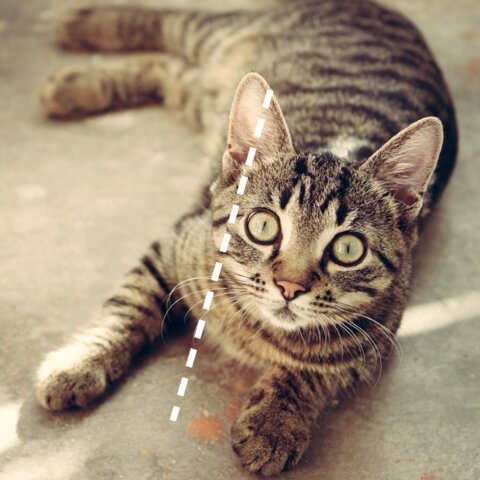
How to Add a Line to a Photo
- Scroll up and choose your image, or drag and drop it there. You can also try one of the sample cats.
- Drag the round handles at the line's ends to place it. Drag the line itself to move it without changing its length or angle.
- Pick the Color, the Width (a percentage of the photo's shorter side) and the Style: solid, dashed or dotted. To make it stand out on a busy photo, give it a Border in a contrasting color: it runs around the whole line, gaps between dashes and dots included.
- Click Done, then download your image as a JPG or PNG.
Ways to Use a Line
- Underline or strike through a word in a screenshot of a document, a receipt or a web page.
- Connect two things in a photo, or show a path or a distance: from a dashed line on a map to the height of a doorway.
- Mark a cut or a fold with a dashed or dotted line, the way printed coupons and templates do.
- Check if something is level: drag a line's ends to the same height at either side of the horizon. If the horizon drifts away from it, the photo is tilted, and the rotate tool can fix it.
One Line at a Time
The tool draws one line, so it stays simple. For more, click Draw Another Line on the download page and add the next one to the same image. Want the line to point at something? The arrow tool adds the head. To cover a photo with evenly spaced lines, such as a drawing grid or the rule of thirds, use the grid overlay. And to box or circle something, use a rectangle or a circle.
Private by Design
Your image stays on your device: the line is drawn in your browser, with no upload, no account and no watermark.