Polaroid Frame Maker
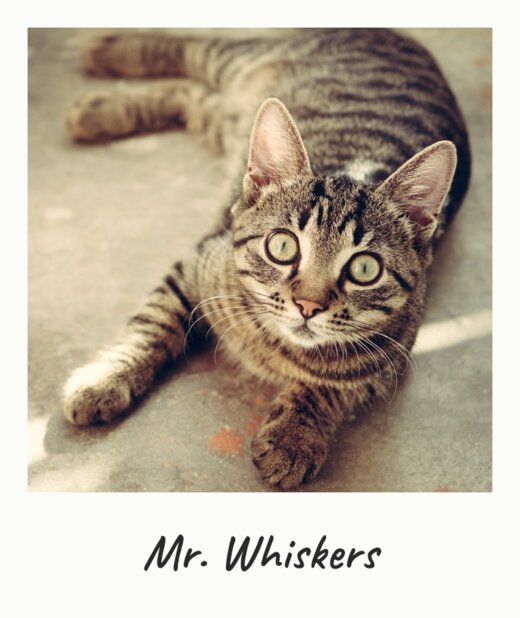
Give any photo the look of an instant photo: a square picture in a white frame with the deep bottom edge that Polaroid prints are known for. Choose a photo above, write a caption in handwriting if you like, tilt it for a casual look, and download it. It's a quick way to make photos for scrapbooks, invitations, mood boards, social posts and printable decorations, and it all happens in your browser.
How to Make a Polaroid-Style Photo
- Scroll up and choose your photo, or drag and drop it there. You can also try one of the sample cats.
- Type a Caption if you want one: a name, a date or a place. It's written in a handwriting font, like a note in marker pen.
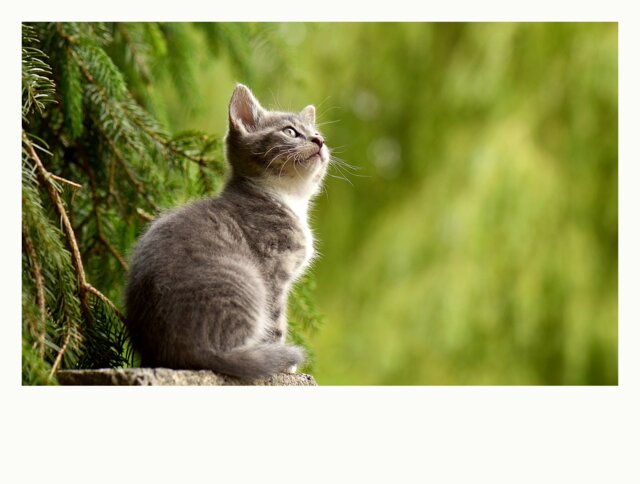
- Choose Square (the middle of your photo, like real instant film) or Original to keep the whole photo.
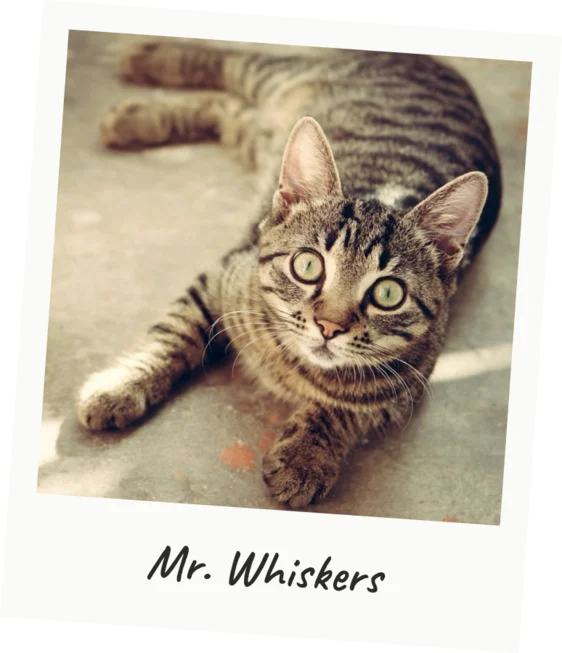
- Pick a Tilt if you want the print turned a little to the left or right, and a frame Color if you'd rather not have white.
- Click Done, then download your photo. Download a tilted one as a PNG to keep its corners transparent.
What Makes a Photo Look Like a Polaroid?
Instant cameras print each photo on a card with the picture set into it. The frame is thin on three sides and thick at the bottom, where the developing chemicals sat (and where people write on them). The classic picture is square. This tool copies those proportions: a border of 6% of the photo's width on the sides and top, and 27% at the bottom, close to the real thing.
For an older, faded look, run your photo through the sepia or vignette tool first, then frame it here.
Ideas for Instant-Photo Frames
- Party and wedding invitations: one photo of the couple or the birthday child, captioned with the date.
- Photo walls and scrapbooks: print several, tilted left and right, and pin them up.
- Social posts and stories: a framed photo on a colored background stands out from the usual edge-to-edge picture.
- Gifts: pet photos with their name underneath make cute cards and fridge magnets.
Related Tools
- For an even border on all four sides, use Add a Border.
- To keep the whole photo but make it square, use Make Square.
- To choose exactly which part goes in the square, crop it first.
Private by Design
Your photo stays on your device: the frame is drawn in your browser, with no upload, no account and no watermark. Polaroid is a trademark of Polaroid B.V.; this site isn't connected with it.